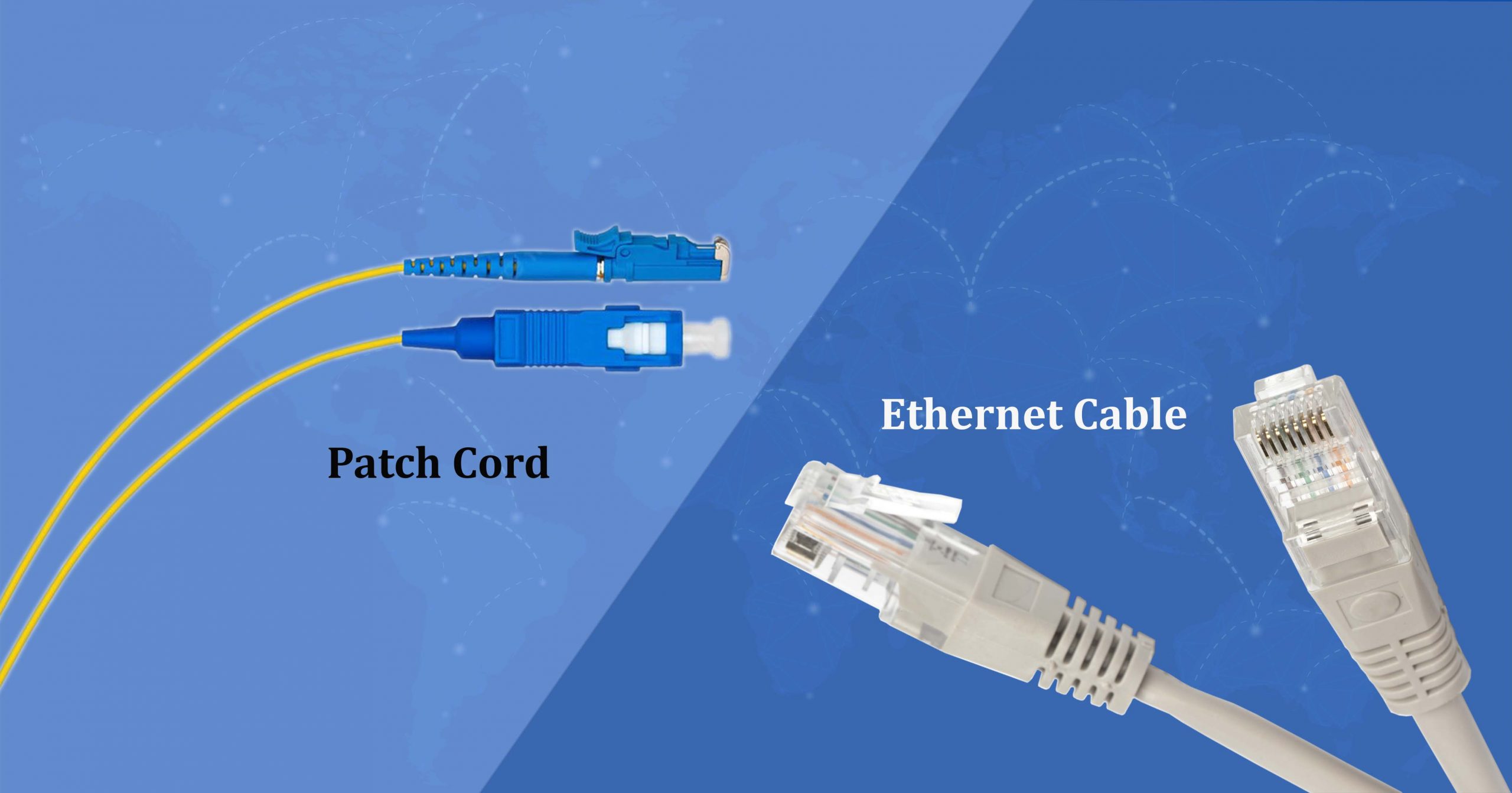
Patch Cord and Ethernet Cable have become quite prevalent in our day-to-day lives. However, many of us have a lot of confusion surrounding both the type of cables.
Today, in this post, we’ll talk about the technical differences between the patch and ethernet cables, so scroll down to check out:
What’s Ethernet Cable?
Ethernet cable is a protocol type that defines how the bits of information will travel over a specific medium.
The cables such as fiber optic, coaxial or twisted pair belong to the category of the ethernet. The two most common ethernet types are the optical network cable and fiber optic cable
Now, Coming to Patch Cable?
Typically, the term patch has been derived from “patch-in,” which means this cable patches a signal from one switch, hub, another hub or the router. It is a type of cable that has two ends which are used to connect an end device to something such as the power source.
There are two types of patch cables, one is the fiber patch cables and the other being the ethernet patch cables.
There are two types of patch cables, one is the fiber patch cables and the other being the ethernet patch cables. The patch cables are widely employed for short-distance connections, typically in corporate offices. On the flip side, ethernet network cables are perfect for connecting a computer to a network hub or the ethernet switch.
Patch Cable Can Be Used As An Ethernet Cable
More often than not, the ethernet and patch cables are more or less the same thing. But, when it comes to ethernet, it refers to the flow of information across the diverse locations, while the latter ones are the best option for shorter distance connections as they are supported by the patch cables that lack flexibility.
The biggest shortcoming associated with the patch cables is that the attenuation is on the higher sides.
Another difference between the patch and the ethernet cable is the former has two connectors at both of the ends, while ethernet cable may not have two connectors and often terminate directly to the device interface directly.
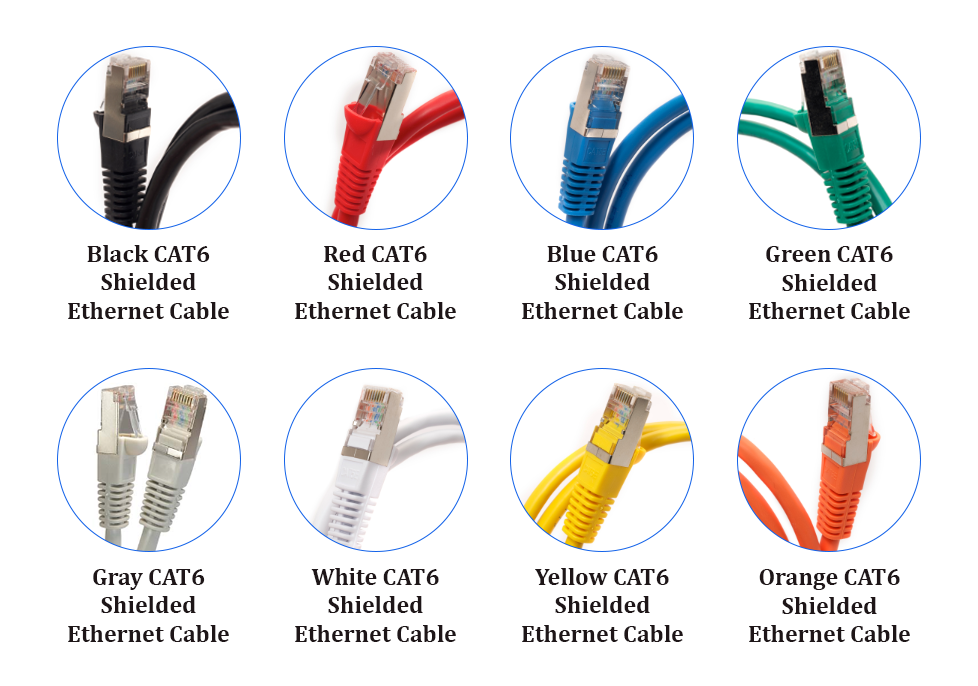
Today, common Ethernet cable types include Cat5, Cat5e, Cat6, Cat6a, Cat7, and Cat8. Looks similar in appearance, but all of these network cables have key differences. Therefore, it is necessary to purchase or select the correct cable for the correct application. This article covers Ethernet cable categories, properties, and shielding types. Read on to learn about the differences between the aforementioned Ethernet cables.
What is Cat5 vs Cat5e vs Cat6 vs Cat7 vs Cat8 Ethernet Cable?
What is a Cat5 cable: a little old, a little slow
Cat5 cables have been the number one choice for internet connectivity for many years. If you’re on a LAN, the cable coming out of the back of the PC may be a Category 5 cable. This type of network cable consists of four pairs of copper wires terminated by RJ45 connectors and has a bandwidth of up to 100MHz, supporting 10 or 100Mbps speeds. You can achieve gigabit speeds with Cat5 cables, especially with shorter cables, but that’s not always guaranteed.
Note: 100 Mbps /100m.
What Is Cat5e Cable: Faster With Less Interference
Category 5e (Cat5e) is an improved version of Category 5 cable and represents a version with lower noise and less potential for crosstalk. Internal interference is low because the cable has an average of two twists per centimeter, which allows data to be transmitted without significant signal attenuation.
There are two main differences between the Cat5 and Cat5e network cables. On the one hand, Cat5 Ethernet cable supports speeds up to 100 megabits per second, while Cat5e supports networks up to 1 gigabit (1000 megabits per second). On the other hand, Cat5e comes in shielded varieties, performing better in reducing noise.
Note: 100-250Mhz/1 Gbps/100m.
What Is Cat6 Cable: Even Faster With Better Performance
Same as the Cat5e cable, the Cat6 cable consists of four pairs of twisted copper wire but features more stringent specifications for crosstalk and system noise. A Cat6 patch cord has a bandwidth capacity of 250 MHz, which has even stricter specifications when it comes to interference. Offer you speeds of up to 10 Gbps.
Note: 250-500Mhz/1 Gbps /100m (10Gbps at 37-55m)
What Is Cat6a Cable: Stronger Sheathing, Better for Industrial Application
The “a” in Cat6a stands for “Augmented”. Cat6a Ethernet cables are able to maintain higher transmission speeds over longer network cable lengths. With a stronger sheathing, the Cat6a cabling is better suited for industrial environments. However, compared to Cat6 cables, Cat6a cables are thicker and less flexible.
Note: 250-500Mhz/10 Gbps /100m.
What Is Cat7 Cable: Newer “Class F” Cabling, Support Frequencies of up to 600 Mhz
Cat7 network cables encompass four individually shielded pairs inside an overall shield, called Shielded/Foiled Twisted Pair (S/FTP) or Foiled/ Foiled Twisted Pair (F/FTP). Cat7 cables do well in reducing signal attenuation and they are relatively stiff when compared to the older versions like Cat5e or Cat6a cables. The newer “Class F” cable is an ideal choice for application environments where transmission of frequencies up to 600 Mbps is required.
Note: 600Mhz/10Gbps/100m (40Gbps at 50m/100Gbps at 15m).
What Is Cat8 Cable: A Huge Step Up in Data Rate/Bandwidth
Cat8 cable is the latest IEEE standard in copper Ethernet cable. The Cat8 Ethernet cable can eliminate crosstalk and enable higher data transmission speeds by wrapping each twisted pair in foil. Cat8 cable is able to support 25GB and 40GB Ethernet, which represents a significant leap in data transfer speed. So, the Cat8 cable is more expensive than previous generations of Ethernet cable.
Note: 25 Gbps for Cat 8.1 and 40 Gbps for Cat 8.2.
Cat5 vs Cat5e vs Cat6 vs Cat7 vs Cat8: What Are Their Differences?
Key Factors to Differentiate Cat5 vs Cat5e vs Cat6 vs Cat7 vs Cat8
Bandwidth: Normally, if a cable has a higher frequency of MHz, the transmission speed is more efficient.
Speed: The speed of transmission changes according to the category, which determines the effectiveness of the cable.
Crosstalk: The “bleeding” of signals between one cable into another due to “induction” will result in slow network transfer speeds, and even block the transfer of signals over the cable.
Category
Max Transmission Speed (At 100 Meters)
Max Bandwidth
Cat 5
10/100 Mbps
100 MHz
Cat 5e
1000 Mbps / 1 Gbps
100 MHz
Cat 6
1000 Mbps / 1 Gbps
250 MHz
Cat 6a
10000 Mbps / 10 Gbps
500 MHz
Cat 7
10000 Mbps / 10 Gbps
600 MHz
Cat 8
25 Gbps or 40Gbps
2000 MHz at 30 meters
Shielding Type of Ethernet Cables Plus Their Applications
Before knowing the shielding type of Ethernet cables, it is suggested to be familiar with the shielding code in advance.
“TP” stands for “Twisted Pair”
“U” stands for “Unshielded or Unscreened”
“F” stands for “Foil Shielding”
“S” stands for “Braided Shielding”
“A” stands for “Armour”
The shielding type of Ethernet cables and their applications are as follows:
Shielding Type
Applications
STP
Suitable for high-speed network and high security transmission.
SFTP
The low attenuation of internal signal making it nice for special environment of professional wiring.
UTP
Suited for network applications with transmission bandwidth less than 250MHz and no special performance requirements.
FTP
Designed to provide the assembly with greater protection from crosstalk from adjacent pairs and other cables, RFI and EMI.
ASTP
Perfect opt for preventing rodent damage, also nice for explosion-proof wiring system.
Figure: Shielded (FTP) vs Unshielded (UTP)
Cat5 vs Cat5e vs Cat6 vs Cat7 vs Cat8 Cable: Which to choose?
How to choose Cat5 vs Cat5e vs Cat6 vs Cat7 vs Cat8 cable? The above focuses on the main factors that you need to consider when choosing the right Ethernet cable.
In terms of speed and bandwidth, the later version of network cable performs better than the former one, but one more important point you should keep in mind is that network cables support different speeds over different distances. Take Cat6 cable for example, the max transmission speed is 1 Gbps at 100 meters, while 10 Gbps at 37-55 meters. Cat6a Ethernet cable can reach 10 Gbps over a distance of up to 100 meters. So you can choose the suitable network cable according to the cabling length and network speed you need.
After taking these key factors into consideration, then you can pay more attention to the shielding type of Ethernet cables as well as their applications. In addition, the price might be a factor that you need to consider when choosing the right Ethernet cable. Cat6a can perform just about the same as Cat7 but at a lower price point, and Cat 8 cable is generally more expensive than the older versions like Cat 6, or even Cat 7. Keeping reading: How to Choose the Best Ethernet Cable?